
Acquisition settings
Set the boundaries before collection starts.
Eviquire lets investigators prepare a controlled acquisition session by defining the case context, environment, and supported evidence options before they collect online material.
Configuration is part of the acquisition record.
Settings influence what is collected and how it can later be understood. They should follow the case objective, legal authority, organizational procedure, and the technical conditions of the source—not be treated as a substitute for them.
Configuration areas
Prepare a workflow that fits the matter.
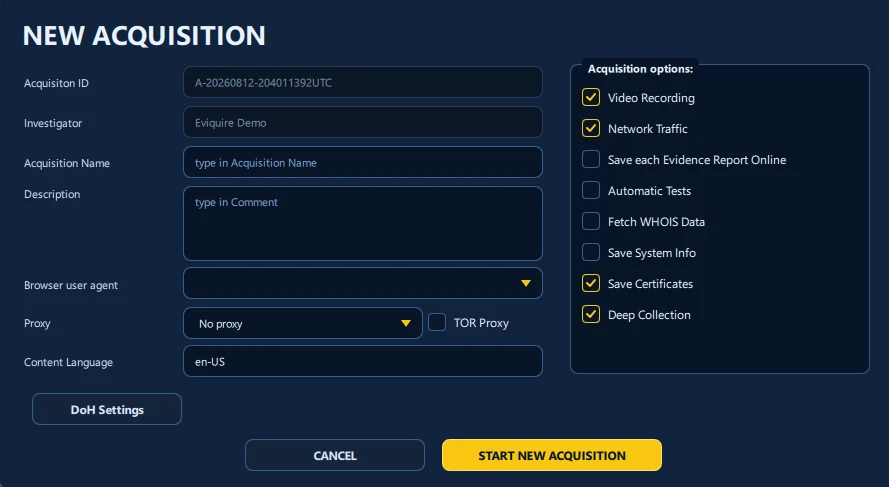
Acquisition options
Choose the options appropriate to the case before collection starts, such as session video, network traffic, certificates, and deep collection where supported.
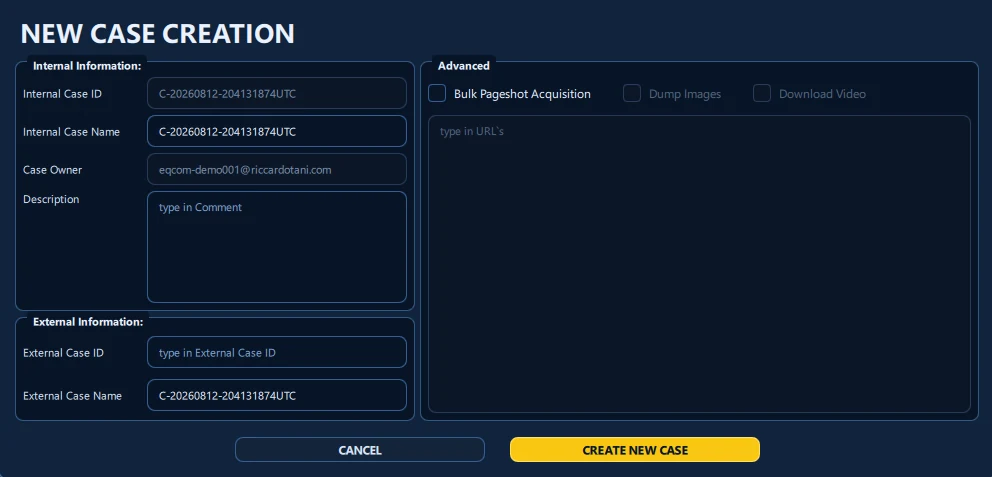
Case context
Associate the work with the investigator, case details, acquisition name, description, selected browser environment, routing, and content language.
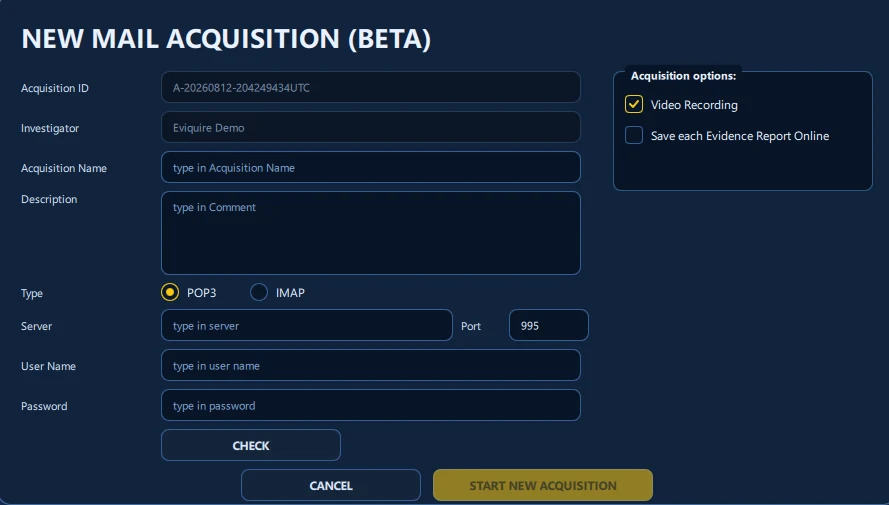
Specialized acquisition workflows
Use the supported workflow that fits the source: for example email collection, Android screen recording, or localized content handling.
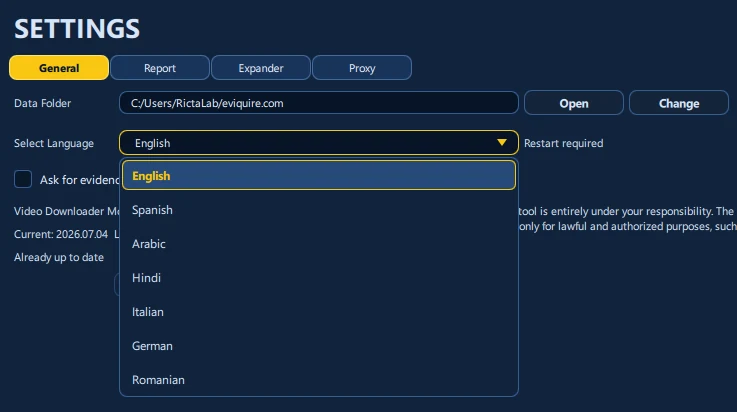
Language and environment
Select appropriate product and content-language settings for the investigation environment and reporting needs.
Professional responsibility
A technical setting does not create authority.
Teams must confirm access permissions, lawful basis, scope, retention, privacy safeguards, routing policies, and validation requirements for their own environment. Availability varies by plan, platform, deployment, source, and configuration.