
Web-forensics use case
Preserve online video and streaming evidence
Online video evidence acquisition documents the media together with the webpage, account, title, description, visible date, URL, playback context, and collection history. The objective is to preserve what was available and observed without confusing a screen recording with the original media file.
What this use case means
Online video evidence acquisition documents the media together with the webpage, account, title, description, visible date, URL, playback context, and collection history. The objective is to preserve what was available and observed without confusing a screen recording with the original media file.
Video may be removed, edited, geo-restricted, personalized, live, segmented, or protected by platform controls. The surrounding title, account, comments, captions, and page metadata can be as important as the frames. Network instability or playback settings may also affect what the investigator observes.
Common situations
When this workflow is useful
- Preserving hosted or embedded video relevant to litigation or an investigation
- Documenting live streams, advertisements, statements, demonstrations, or harmful content
- Recording playback behavior and surrounding page context for expert or legal review
Recommended process
A documented acquisition workflow
- Define the relevant media and context
Record the URL, account or channel, title, visible date, description, relevant time interval, and why the content matters.
- Document playback conditions
Note access restrictions, account state, region, quality, captions, volume, buffering, and whether the content is live or recorded.
- Capture page and session
Preserve the surrounding page, relevant playback, screenshots, session video, and available source or download artifacts permitted by the workflow.
- Record interruptions and transformations
Document buffering, advertisements, missing segments, quality changes, automatic captions, or transcoding rather than concealing them.
- Verify and report
Hash the resulting artifacts, retain timestamps and logs, and distinguish captured files, session recordings, and examiner observations.
Reviewable output
What the evidence package should explain
Page context
The player page, URL, channel, title, description, date, and surrounding content identify the presentation.
Observed playback
Session recording and screenshots document what played during the acquisition and at which relevant points.
Available artifacts
Downloads, source data, captions, thumbnails, or metadata may be preserved when available and appropriate.
Technical record
Time information, hashes, logs, and reports document the collection process and its limitations.
The exact artifacts depend on the source, plan, configuration, authority, and investigation. A report should identify what was and was not collected.
Eviquire in use
See the workflow in the product.
These screenshots show a demonstration environment. Actual results depend on the platform, access conditions, selected workflow, configuration, and authority.
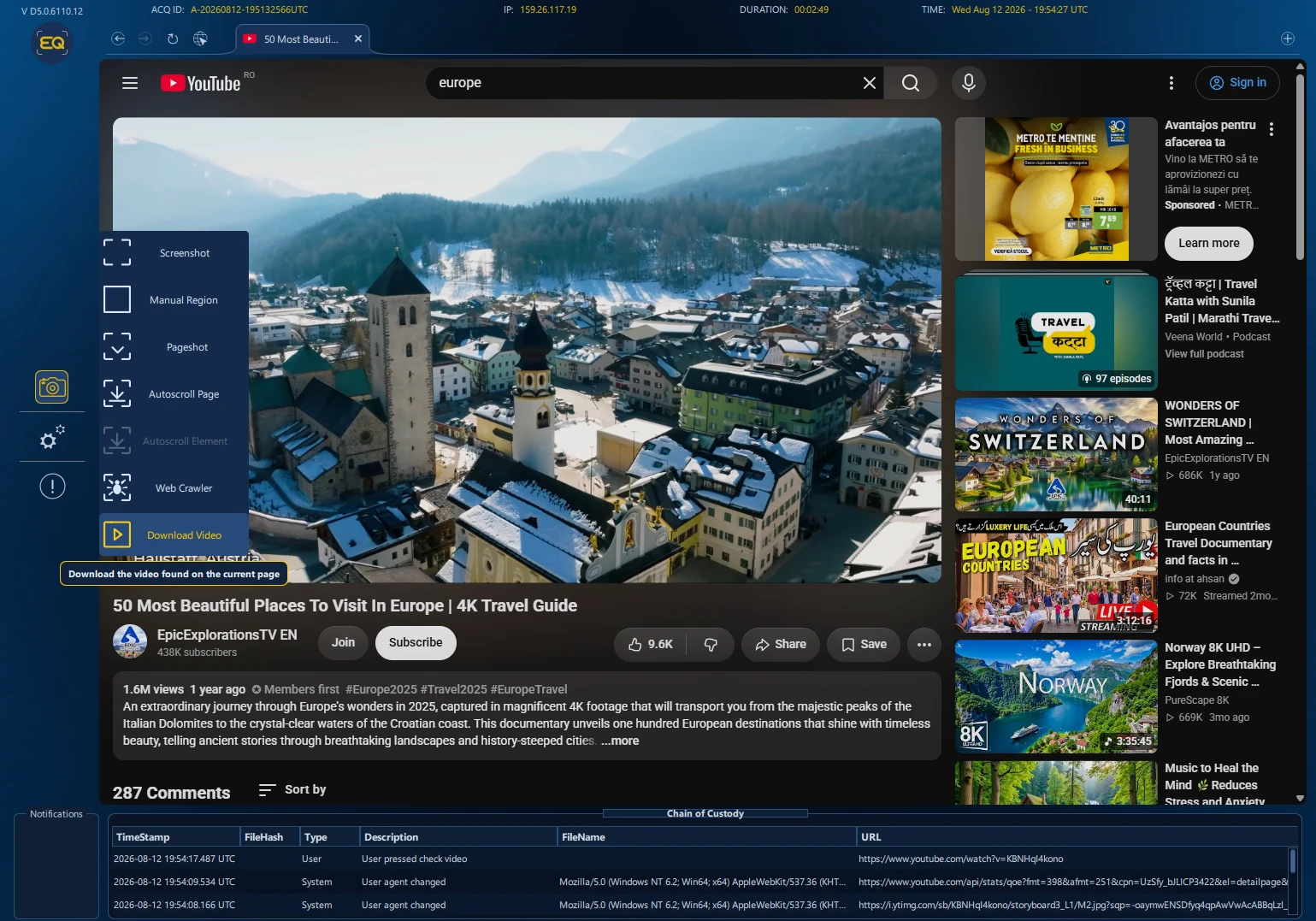
Document the player and surrounding page
Preserve the observed playback together with the page, channel or account context, title, description, comments, and visible conditions relevant to the matter.
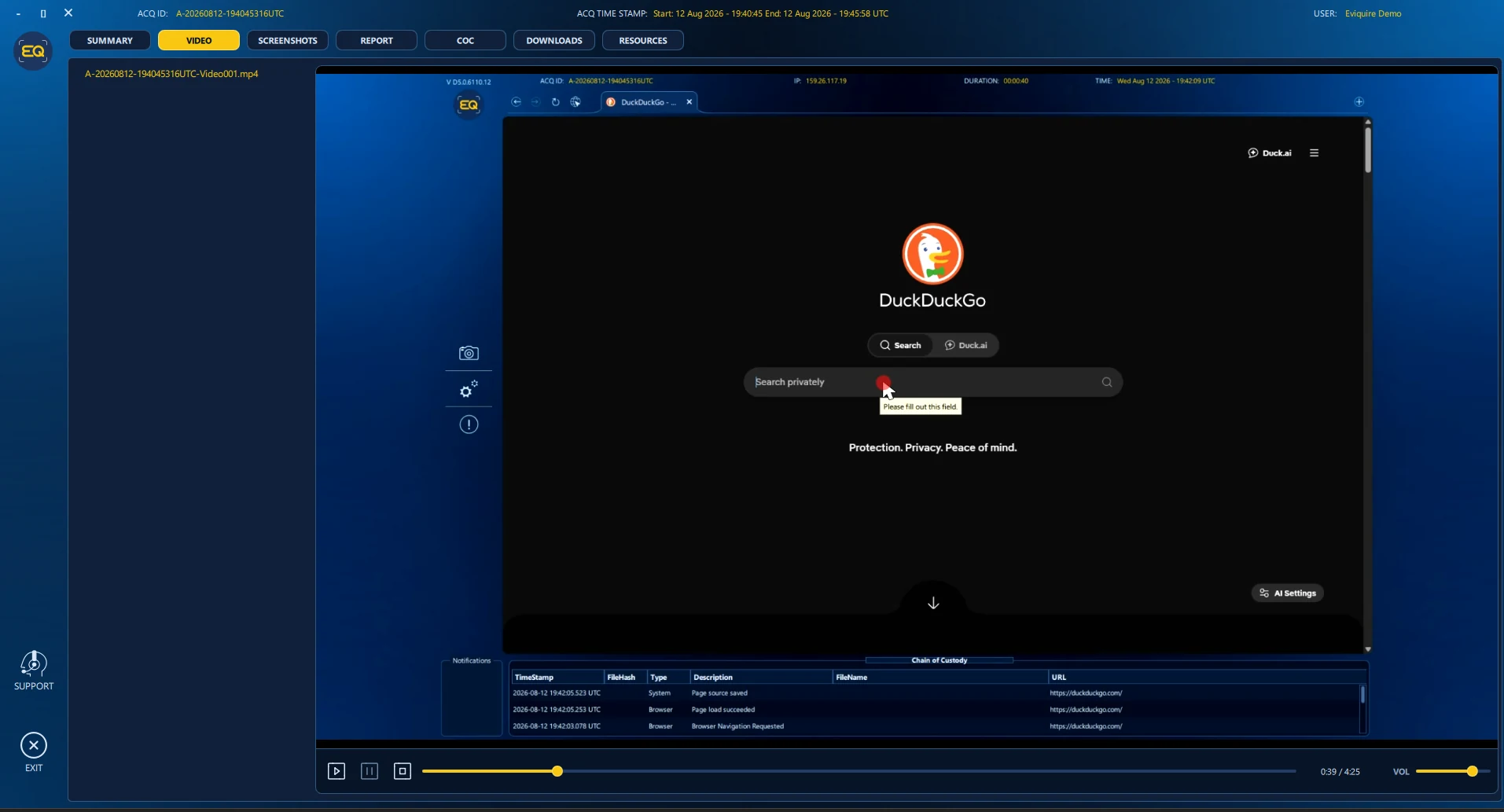
Record the acquisition session
A session recording can document what was displayed during collection, including relevant playback behavior and user activity.
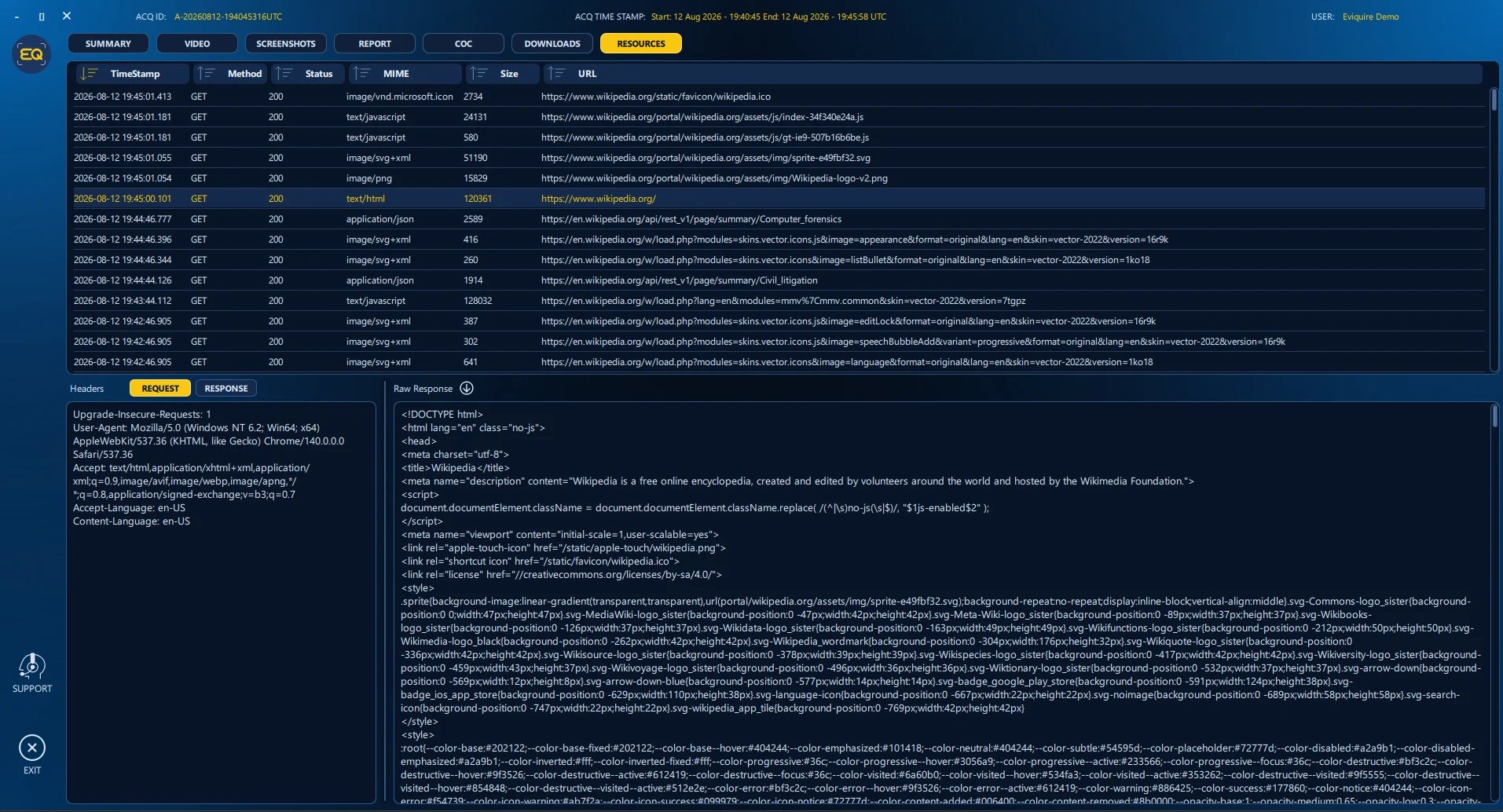
Inspect available technical context
Where the workflow captures it, available network and resource context can support later examination alongside the visible player page.
Professional considerations
Authority, proportionality, and limitations
- A session recording documents playback; it is not necessarily a bit-for-bit copy of the source video.
- Copyright, privacy, platform restrictions, and legal authority apply even when the video is publicly viewable.
- Live streams may be incomplete. Record when collection began and ended and any gaps, buffering, or unavailable segments.
Important: Eviquire supports a documented technical process. It does not establish identity, truth, culpability, infringement, or admissibility, and it does not replace legal advice or a validated organizational procedure.
Standards and primary guidance
Online evidence procedures should be validated for the organization and matter. Useful starting points include SWGDE guidance for acquiring online content, ISO/IEC 27037:2012, and NIST digital-evidence resources.
Frequently asked questions
Is a screen recording the same as the original video?
No. It records what was displayed during the session. The report should distinguish it from any original or downloaded media file.
Can a live stream be preserved completely?
Completeness depends on when acquisition starts, stream availability, connectivity, platform behavior, and the authorized workflow. Any gaps should be documented.
Should captions and descriptions be captured?
Yes when relevant. They may add attribution, meaning, accessibility, dates, claims, or context that is not apparent from the visual frames alone.
What playback settings should be recorded?
Relevant settings can include quality, captions, language, speed, volume, account state, region, and the time interval observed.
Who uses this workflow?
Relevant professional roles
This acquisition workflow is commonly relevant to these teams. The appropriate authority, scope, procedure, and review requirements still depend on the matter.

Forensic experts
Acquire online evidence with technical context, integrity verification, custody records, and reporting.
See role-specific guidance →
Law enforcement
Preserve volatile online evidence for authorized criminal and intelligence investigations.
See role-specific guidance →
Law firms
Preserve websites and online content for litigation, disclosure, legal holds, and expert review.
See role-specific guidance →
Private investigators
Turn online findings into organized, verifiable evidence and professional client reports.
See role-specific guidance →